Home feed
Open YouTube without the home recommendation feed. Use search or go straight to the channel or video you wanted.
 FocusTube
YOUTUBE FOCUS · SAFARI EXTENSION
A tutorial, a lecture, a video you chose. FocusTube hides distracting sections of YouTube in Safari, while keeping search and your video within reach.
Safari · Mac · iPhone / iPad
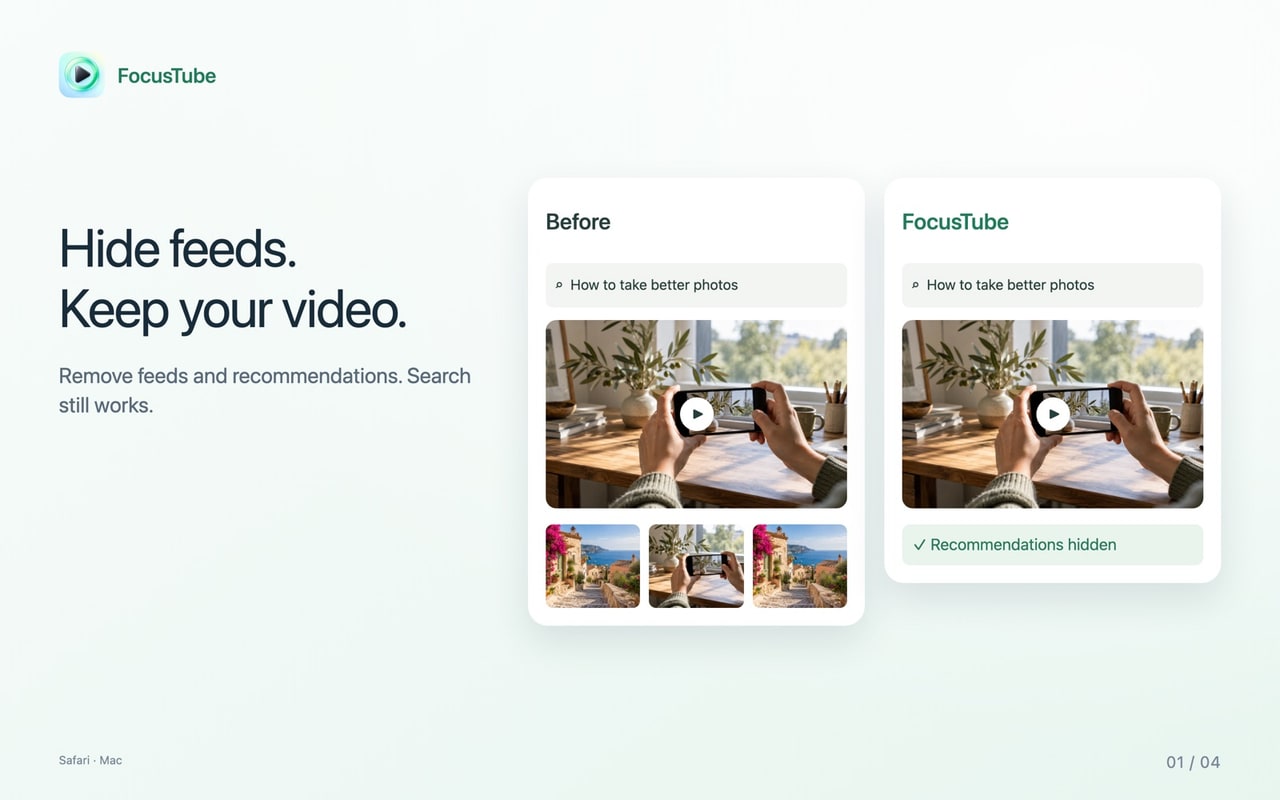
FocusTube: YT Focus & Study is a Safari extension for Mac, iPhone and iPad that hides YouTube’s home feed, Shorts, related videos and, if you choose, comments. Search, playback, descriptions, playlists and access to subscriptions stay available. Pause hiding to bring back the usual page.
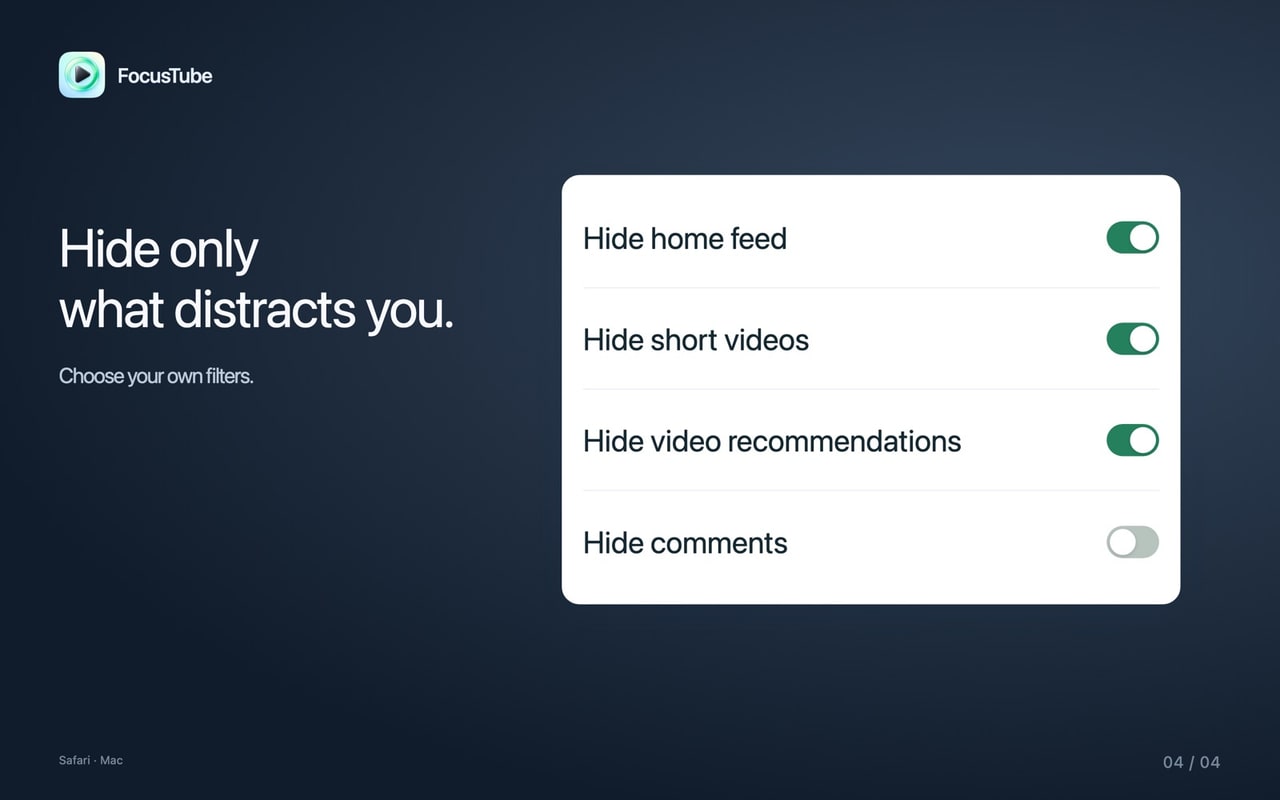
Hide the sections that interrupt your viewing. Keep the parts you actually use.
Open YouTube without the home recommendation feed. Use search or go straight to the channel or video you wanted.
Hide recognized Shorts sections and their menu entry. Direct Shorts pages show a way back to search or a temporary pause.
Hide recommendations around the video you are watching. The original player, its controls and the description stay available.
Keep comments for a discussion or hide them while studying. Bring them back whenever you want.
FocusTube changes the page around your viewing, not the video itself.
FocusTube · Safari
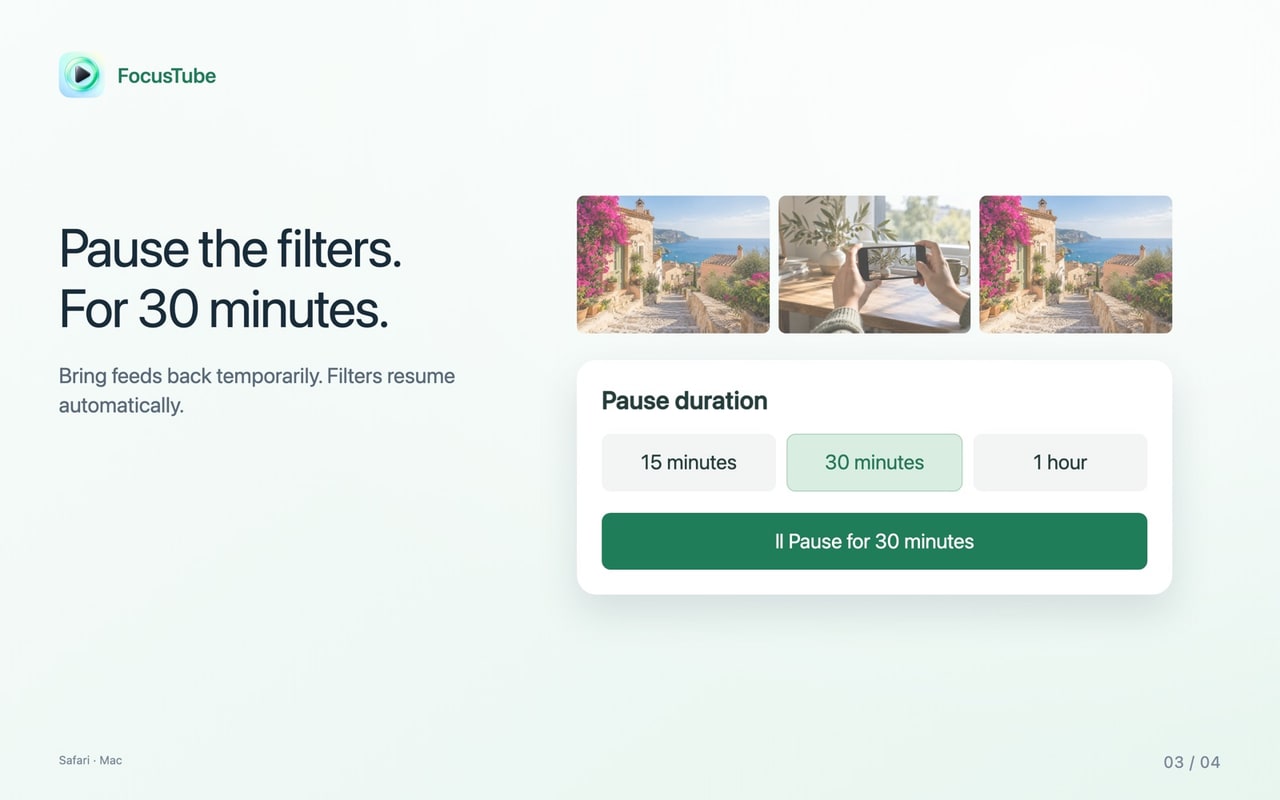
Temporarily show hidden sections from the FocusTube panel. A timed pause remembers its end time even after a page reload; you can also turn the extension off.
Choose your device, install FocusTube, then enable the Safari extension.
macOS 14.0+
Get FocusTube from the Mac App Store and open it for the setup instructions.
Go to Safari → Settings → Extensions and enable FocusTube. Allow access to www.youtube.com and m.youtube.com when Safari asks.
Open YouTube in Safari and click FocusTube in the toolbar. Choose what to hide; pause or turn it off whenever you want the sections back.
iOS 16.0+ · iPadOS 16.0+
Get FocusTube from the App Store and open the app for setup instructions.
Open Settings → Apps → Safari → Extensions → FocusTube. On iOS and iPadOS 16 or 17, start at Settings → Safari → Extensions.
Open YouTube in Safari, tap FocusTube in the page menu, and allow access to YouTube when prompted. Then choose what to hide.
FocusTube keeps its settings locally. It does not collect watch history, search queries or account identifiers, and does not upload pages to a developer server. No FocusTube account is required. YouTube continues to process its own website activity under its own policies.
Privacy Policy →FocusTube changes supported YouTube pages in Safari, not the YouTube app. It does not download videos. Changes to YouTube’s layout can affect which sections the extension recognizes.
Support →Install and enable FocusTube, allow access to YouTube, then turn on short-video hiding in its panel. Recognized Shorts sections and the menu entry are hidden. A direct Shorts page offers search and pause actions rather than changing your YouTube account.
Yes. FocusTube can hide the home recommendation feed and related-video sections while leaving the video player, search, descriptions and playlists available.
Yes. You can leave comments visible or hide them for a focused session. Pause or turn off FocusTube to restore hidden sections on supported pages.
Yes. Get FocusTube from the App Store, then enable the Safari extension on iPhone (iOS 16.0 or later) or iPad (iPadOS 16.0 or later). Open YouTube in Safari; it does not change the separate YouTube app.
On iPhone and iPad, the optional Hide ads setting can hide recognized ad sections and use available Skip buttons. Some video ads may still play. The Mac version does not have that setting. FocusTube does not download videos.
Check that the Safari extension is enabled, YouTube access is allowed and hiding is not paused. Reload the page after changing access. New YouTube layouts may not be recognized; pause or turn off the extension if a page behaves unexpectedly.
No. Its enabled state, hiding preferences and pause time stay locally. FocusTube does not collect your watch history, searches or account identifiers. The underlying YouTube website has its own data practices.
Make YouTube in Safari suit the way you want to watch.
Download on the App Store